- [Introduction](#a0)
- [License](#a1)
- [Installation](#a2)
- [Synopsis](#a3)
- [Signing a document (using the private key)](#a4)
* [Command line](#a5)
* [API](#a6)
- [Clear signing a document (using the private key)](#a7)
* [Command line](#a8)
* [API](#a9)
- [Creating a detached signature (using the private key)](#a10)
* [Command line](#a11)
* [API](#a12)
- [Encrypting a document (using a public key)](#a13)
* [Command line](#a14)
* [API](#a15)
- [Decrypt a encrypted file](#a16)
* [Command line](#a17)
* [API](#a18)
- [Key management](#a19)
* [API](#a20)
- [Other methods](#a21)
- [Testing the package](#a22)
* [Importing these keys](#a23)
* [Getting IDs and fingerprints](#a24)
- [Creating printed backups of private keys](#a25)
- [Regenerate keys from their graphical representations](#a26)
- [Useful links](#a27)
# Introduction
This package implements a wrapper around the PGP command line tool.
> Please note that the ambition of this wrapper is not to be "complete".
> This wrapper has been developed in order to automat the GPG processing of a large number of files.
> Therefore, only the basic GPG functionalities have been wrapped (signing, encryption, decryption and signature verification).
# License
This code is published under the following license:
[Creative Common Attribution-NonCommercial 4.0 International (CC BY-NC 4.0)](https://creativecommons.org/licenses/by-nc/4.0/legalcode)
See the file [LICENSE.TXT](LICENSE.TXT)
# Installation
From the command line:
composer require dbeurive/gpg
Or, from within the file `composer.json`:
"require": {
"dbeurive/gpg": "*"
}
# Synopsis
```php
// Get the fingerprint of a key.
$fgp = Gpg::getPublicKeyFingerPrint('protected key');
$fgp = Gpg::getPrivateKeyFingerPrint('protected key');
// Remove a key from the keyring.
Gpg::removePublicKey($fgp);
Gpg::removePrivateKey($fgp);
// Import a key into the keyring.
Gpg::importPublicKey('open.pub');
Gpg::importPrivateKey('open.prv');
// Check that a key is in the keyring.
Gpg::isPublicKeyPresent($fgp);
Gpg::isPrivateKeyPresent($fgp);
// Sign (encrypt with a private key).
Gpg::signFile('/path/to/document', $fgp, 'my password (if any), or null', '/path/to/encrypted_file');
Gpg::signFile('/path/to/document', $fgp, null, '/path/to/encrypted_file');
Gpg::signString('AZERTY', $fgp, 'my password (if any), or null', '/path/to/encrypted_file');
Gpg::signString('AZERTY', $fgp, null, '/path/to/encrypted_file');
$encryptedString = Gpg::signFile('/path/to/document', $fgp, 'my password (if any), or null', null);
$encryptedString = Gpg::signFile('/path/to/document', $fgp, null, null);
$encryptedString = Gpg::signString('AZERTY', $fgp, 'my password (if any), or null', null);
$encryptedString = Gpg::signString('AZERTY', $fgp, null, null);
// Clear sign
Gpg::clearSignFile('/path/to/document', $fgp, 'my password (if any), or null', '/path/to/signed_document');
Gpg::clearSignFile('/path/to/document', $fgp, null, '/path/to/signed_document');
Gpg::clearSignString('AZERTY', $fgp, 'my password (if any), or null', '/path/to/signed_document');
Gpg::clearSignString('AZERTY', $fgp, null, '/path/to/signed_document');
$signedDocument = Gpg::clearSignFile('/path/to/document', $fgp, 'my password (if any), or null', null);
$signedDocument = Gpg::clearSignFile('/path/to/document', $fgp, null, null);
$signedDocument = Gpg::clearSignString('AZERTY', $fgp, 'my password (if any), or null', null);
$signedDocument = Gpg::clearSignString('AZERTY', $fgp, null, null);
// Detach sign
Gpg::detachSignFile('/path/to/document', $fgp, 'my password (if any), or null', '/path/to/signature');
Gpg::detachSignFile('/path/to/document', $fgp, null, '/path/to/signature');
Gpg::detachSignString('AZERTY', $fgp, 'my password (if any), or null', '/path/to/signature');
Gpg::detachSignString('AZERTY', $fgp, null, '/path/to/signature');
$signature = Gpg::detachSignFile('/path/to/document', $fgp, 'my password (if any), or null', null);
$signature = Gpg::detachSignFile('/path/to/document', $fgp, null, null);
$signature = Gpg::detachSignString('AZERTY', $fgp, 'my password (if any), or null', null);
$signature = Gpg::detachSignString('AZERTY', $fgp, null, null);
// Verify a "clear" signature (that is: a file that contains the document and it signature)
$warning = null;
$status = Gpg::verifyClearSignedFile('/path/to/signed_document', $warning); // true: valid signature, false: invalid signature.
$status = Gpg::verifyClearSignedString($signature, $warning); // true: valid signature, false: invalid signature.
// Verify a "detached" signature (against a document)
$warning = null;
$status = Gpg::verifyDetachedSignedFile('/path/to/signature', '/path/to/document', $warning);
$status = Gpg::verifyDetachedSignedString($signature, '/path/to/document', $warning);
// Encrypt with a public key
Gpg::encryptAsymmetricFile('/path/to/document', $fgp, '/path/to/encrypted_file');
Gpg::encryptAsymmetricString('AZERTY', $fgp, '/path/to/encrypted_file');
$encryptedString = Gpg::encryptAsymmetricFile('AZERTY', $fgp, null);
$encryptedString = Gpg::encryptAsymmetricString('AZERTY', $fgp, null);
// Decrypt a document
Gpg::decryptFile('/path/to/encrypted_file', 'my password (if any), or null', '/path/to/decrypted_file');
Gpg::decryptFile('/path/to/encrypted_file', null, '/path/to/decrypted_file');
Gpg::decryptString($encryptedString, 'my password (if any), or null', '/path/to/decrypted_file');
Gpg::decryptString($encryptedString, null, '/path/to/decrypted_file');
$decryptedString = Gpg::decryptFile('/path/to/encrypted_file', 'my password (if any), or null', null);
$decryptedString = Gpg::decryptFile('/path/to/encrypted_file', null, null);
$decryptedString = Gpg::decryptString($encryptedString, 'my password (if any), or null', null);
$decryptedString = Gpg::decryptString($encryptedString, null, null);
```
For a detailed description of the return codes, please consult [this file](src/Gpg.php).
# Signing a document (using the private key)
To sign a document means: encrypt the document using the private key.
## Command line
Command:
gpg --armor -u 03DEC874738344206A1A7D31E07D9D14954C8DC5 --output document.pgp --sign document
# For automation inside a script:
exec 3> /tmp/status; echo 'password' | gpg --batch --yes --always-trust --status-fd 3 --passphrase-fd 0 --armor -u 03DEC874738344206A1A7D31E07D9D14954C8DC5 --output document.pgp --sign document; echo $?; exec 3>&-
Then to decrypt the document (using the public key)
gpg --output document.decrypted --decrypt document.pgp
gpg --output - --decrypt document.pgp
> Please note that you can use the **sub key** associated to the private key instead of the private key itself.
## API
Sign:
static function signFile($inAPath, $inPrivateKeyFingerPrint, $inOptPassword=null, $inOptSignaturePath=null)
static function signString($inString, $inPrivateKeyFingerPrint, $inPassword=null, $inOptSignaturePath=null)
Decrypt:
static function decryptFile($inAbsolutePath, $inOptPassword=null, $inOptOutputFile=null)
static function decryptString($inString, $inOptPassword=null, $inOptOutputFile=null)
# Clear signing a document (using the private key)
To "clear sign" a document means:
* generate a hash of the document (using SHA1, for example).
* encrypt the previously generated hash with the private key.
* append the encrypted hash to the end of the document (which remains clear).
## Command line
Command:
gpg --armor -u 03DEC874738344206A1A7D31E07D9D14954C8DC5 --output document.pgp --clearsign document
# For automation inside a script:
exec 3> /tmp/status; echo 'password' | gpg --batch --yes --always-trust --status-fd 3 --passphrase-fd 0 --armor -u 03DEC874738344206A1A7D31E07D9D14954C8DC5 --output document.pgp --clearsign document; echo $?; exec 3>&-
Verify the signature:
gpg --verify document.pgp
## API
Sign:
static function clearSignFile($inPath, $inPrivateKeyFingerPrint, $inOptPassword=null, $inOptSignaturePath=null)
static function clearSignString($inString, $inPrivateKeyFingerPrint, $inPassword=null, $inOptSignaturePath=null)
Verify the signature:
static function verifyClearSignedFile($inFilePath, &$outWarning)
static function verifyClearSignedString($inString, &$outWarning) {
# Creating a detached signature (using the private key)
Creating a "detached signature" means:
* generate a hash of the document (using SHA1, for example).
* encrypt the previously generated hash with the private key.
* write the encrypted hash in a (specified) file.
Please note that a "detached signature" and a "clear signature" are identical.
The difference between a "detached signature" and a "clear signature" is that the former is put into a separate file, whereas the latter is appended to the end of the signed document.
## Command line
Command:
gpg --armor -u 03DEC874738344206A1A7D31E07D9D14954C8DC5 --output document.PGP --detach-sign document
# For automation inside a script:
exec 3> /tmp/status; echo 'password' | gpg --batch --yes --always-trust --status-fd 3 --passphrase-fd 0 --armor -u 03DEC874738344206A1A7D31E07D9D14954C8DC5 --output document.pgp --detach-sign document; echo $?; exec 3>&-
Verify the signature:
gpg --verify document.pgp document
## API
Sign:
static function detachSignFile($inPath, $inPrivateKeyFingerPrint, $inOptPassword=null, $inOptSignaturePath=null)
static function detachSignString($inString, $inPrivateKeyFingerPrint, $inPassword=null, $inOptSignaturePath=null)
Verify a signature:
static function verifyDetachedSignedFile($inSignatureFilePath, $inDocument, &$outWarning)
static function verifyDetachedSignedString($inSignature, $inDocument, &$outWarning)
# Encrypting a document (using a public key)
Please note that in GPG lingo, encryption using a private key is called "signing" (which, technically speaking, is an encryption).
## Command line
Command:
gpg --armor --output encrypted_file --encrypt --recipient 03DEC874738344206A1A7D31E07D9D14954C8DC5 document
# For automation inside a script:
exec 3> /tmp/status; gpg --batch --yes --status-fd 3 --always-trust --armor --output document.pgp --encrypt --recipient 03DEC874738344206A1A7D31E07D9D14954C8DC5 document; echo $?; exec 3>&-
Decrypt the file (using a private key):
gpg --output document --decrypt document.pgp
## API
static function encryptAsymmetricFile($inInputPath, $inPublicKeyFingerPrint, $inOptOutputFile=null)
static function encryptAsymmetricString($inString, $inPublicKeyFingerPrint, $inOptOutputFile=null)
# Decrypt a encrypted file
Please note that the document may have been encrypted using a public key or a secret key (that is, _signed_).
* If the document has been encrypted with a public key (probably yours), you will need a private key to decrypt it.
* If the document has been signed with a private key, you will need a public key to decrypt it.
## Command line
Command:
gpg --output document --decrypt document.pgp
For automation inside a script:
exec 3> /tmp/status; echo 'password' | gpg --batch --yes --status-fd 3 --passphrase-fd 0 --always-trust --output document --decrypt document.pgp; echo $?; exec 3>&-
## API
static function decryptFile($inAbsolutePath, $inOptPassword=null, $inOptOutputFile=null)
static function decryptString($inString, $inOptPassword=null, $inOptOutputFile=null)
# Key management
Except when calling the methods that returns the fingerprints (`getPublicKeyFingerPrint` and `getPrivateKeyFingerPrint`), the keys are identified by their fingerprints
This ensures maximum security against "side effects" that may occur when specifying keys' IDs.
## API
static function getPublicKeyFingerPrint($inPublicKey)
static function getPrivateKeyFingerPrint($inPrivateKey)
static function isPrivateKeyPresent($inPrivateKeyFingerPrint)
static function isPublicKeyPresent($inPublicKeyFingerPrint)
static function removePrivateKey($inPrivateKeyFingerPrint)
static function removePublicKey($inPublicKeyFingerPrint)
static function importPrivateKey($inPrivateKeyPath)
static function importPublicKey($inPublicKeyPath)
# Other methods
static function version()
static function checkVersion()
# Testing the package
This package contains two pairs of keys:
* One pair which secret key is protected by a password.
* One pair which secret key is not protected.
These keys are located in the directory `tests/data`:
* `open.prv` / `open.pub`: this pair of keys is not protected.
* `protected.prv` / `protected.pub`: this pair of keys is protected.
## Importing these keys
cd tests/data
gpg --import open.prv; gpg --import open.pub; gpg --import protected.prv; gpg --import protected.pub
## Getting IDs and fingerprints
For public keys:
gpg --batch --list-keys --fingerprint --with-colon
For private keys:
gpg --batch --list-secret-keys --fingerprint --with-colon
> See [this document](http://git.gnupg.org/cgi-bin/gitweb.cgi?p=gnupg.git;a=blob_plain;f=doc/DETAILS) for a detailed description of the output of the option `--with-colon`.
The Perl script [list-keys.pl](utilities/list-keys.pl) may be used to print the list of public keys.
gpg --list-keys --with-colon --fingerprint | perl list-keys.pl
gpg --list-secret-keys --with-colon --fingerprint | perl list-keys.pl
Example:
` gpg --list-secret-keys --with-colon --fingerprint | perl list-keys.pl`
Outputs:
6 sec E07D9D14954C8DC5 03DEC874738344206A1A7D31E07D9D14954C8DC5 0C185D728E760EC0 open key
6 sec 29A778386005B911 881C41F8B8FD138E86E7230929A778386005B911 6A492A01B27F4819 protected key
Whith:
Column 1: the total number of columns for the current line.
Column 2: the type of key (pub: public, sec: secret).
Column 3: the UID of the key.
Column 4: the fingerprint of the key.
Column 5: the UID of the associated sub key.
Column 6: the ID of the key.
Please note that
* the last field of each line may have spaces (ex: `PHP coder `).
* a key may have more than one sub key. Therefore, a line may have more than 6 columns.
# Creating printed backups of private keys
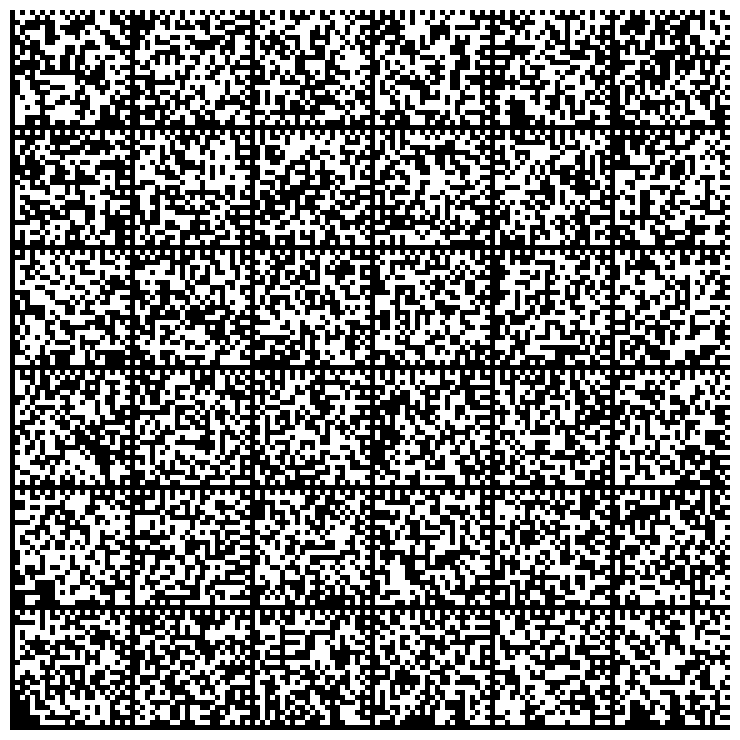
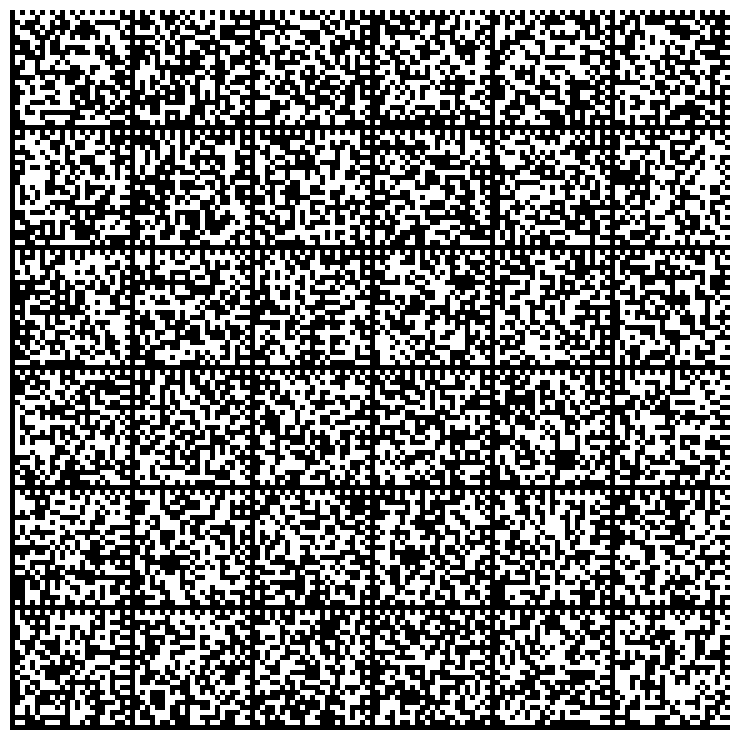
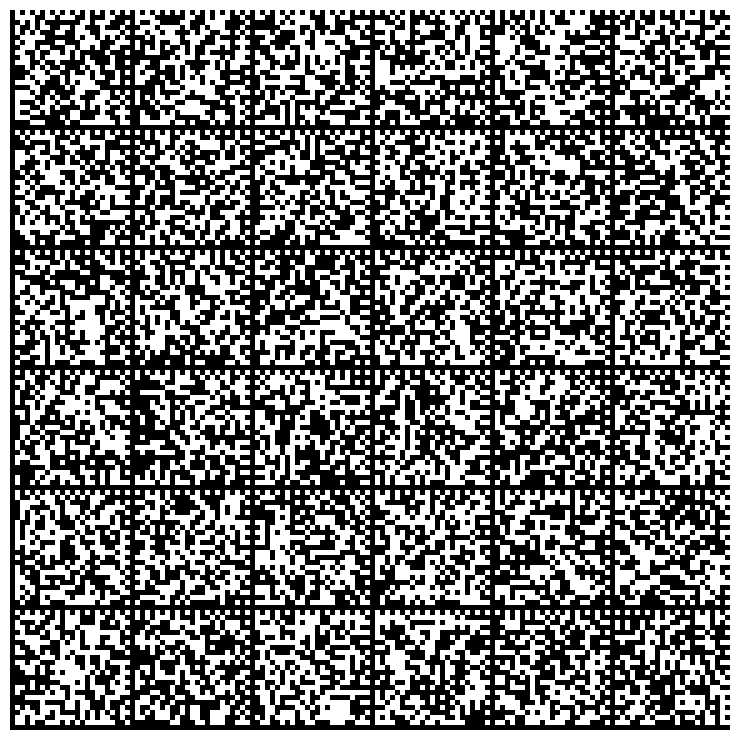
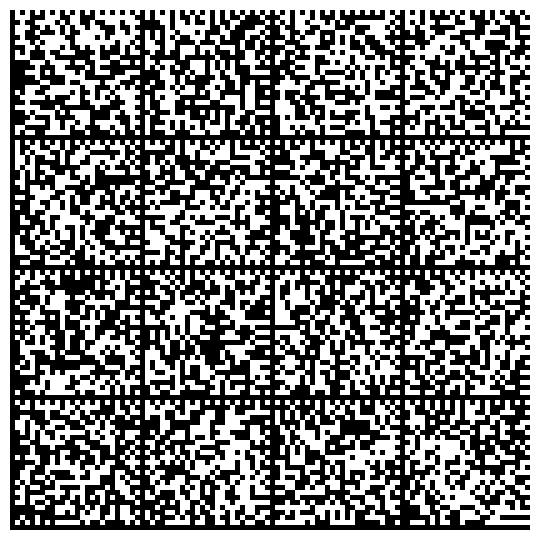
You can produce graphical representations of your private keys.
These representations can be printed on paper.
> Please note that you should not need to produce graphical representations of your public keys.
> Indeed, public keys do not need to be protected. Therefore you can make copies of your public keys everywhere.
Install Data Matrix tools:
```sh
$ sudo apt-get install dmtx-utils
```
Generate a very long RSA keys:
```sh
$ cat -n batch.txt
1 %echo Generating a basic OpenPGP key
2 Key-Type: RSA
3 Key-Length: 8192
4 Subkey-Type: RSA
5 Subkey-Length: 8192
6 Name-Real: Tester Long
7 Name-Comment: This is for testing
8 Name-Email: joe-long@foo.bar
9 Expire-Date: 0
10 Passphrase: abc
11 # Do a commit here, so that we can later print "done" :-)
12 %commit
13 %echo done
$ cat batch.txt | gpg --enable-large-rsa --batch --gen-key
```
Find the ID or the fingerprint of the generated keys:
By ID:
```sh
$ gpg --list-keys
sec 8192R/9BEF3AAC 2016-12-30
uid Tester Long (This is for testing)
ssb 8192R/3A57FB1C 2016-12-30
$ gpg --export 9BEF3AAC > very-long-key.pub
$ gpg --export-secret-key 9BEF3AAC > very-long-key.prv
```
By fingerprint:
```sh
$ gpg --list-keys --fingerprint --with-colons
pub:-:8192:1:FB9F45539BEF3AAC:2016-12-30:::-:Tester Long (This is for testing) ::escaESCA:
fpr:::::::::1335EF5C02BEF36A56DBA451FB9F45539BEF3AAC:
sub:-:8192:1:1D4050C33A57FB1C:2016-12-30::::::esa:
```
Then generate images that represent the private key:
```sh
$ gpg --export-secret-key 9BEF3AAC | paperkey --output-type raw | split -b 1500 - key-
# Or:
# gpg --export-secret-key 1335EF5C02BEF36A56DBA451FB9F45539BEF3AAC | paperkey --output-type raw | split -b 1500 - key-
$ cat -n gen-images.sh
1 #!/bin/bash
2
3 for K in key-*; do
4 dmtxwrite -e 8 $K > $K.png
5 done
$ ./gen-images.sh
$ ls -1 *.png
key-aa.png
key-ab.png
key-ac.png
key-ad.png
```
The list of images that represents the private key is:
# Regenerate keys from their graphical representations
```sh
$ cat -n gen-key.sh
1 #!/bin/bash
2
3 rm -f key.prv
4 for K in key-*.png; do
5 echo $K
6 dmtxread $K >> key.prv
7 done
$ ./gen-key.sh
$ paperkey --pubring ~/.gnupg/pubring.gpg --secrets key.prv > restore.raw
# Or:
# paperkey --pubring very-long-key.pub --secrets key.prv > restore.raw
```
> Please note that you need the public key in order to regenerate the private key!
> The public key can be stored within the public keyring, or within a file.
Compare the restored key against the original:
```sh
$ gpg --list-packets restore.raw > f1
$ gpg --list-packets very-long-key.prv > f2
$ diff f1 f2
```
If you try to import the restored private key:
```sh
$ gpg --import restore.raw
gpg: key 9BEF3AAC: already in secret keyring
gpg: Total number processed: 1
gpg: secret keys read: 1
gpg: secret keys unchanged: 1
```
Sign a document with the original private key:
```sh
$ gpg -u 9BEF3AAC --sign gen-key.sh
```
Remove the original private key from its keyring:
```sh
$ gpg --delete-secret-keys 9BEF3AAC
```
Restore the secret key using the backup:
```sh
$ gpg --import restore.raw
gpg: key 9BEF3AAC: secret key imported
gpg: key 9BEF3AAC: "Tester Long (This is for testing) " not changed
gpg: Total number processed: 1
gpg: unchanged: 1
gpg: secret keys read: 1
gpg: secret keys imported: 1
```
Then, make sure that the restored secret key works as expected:
```
$ gpg --output script.sh --decrypt gen-key.sh.gpg
$ diff gen-key.sh script.sh
```
# Useful links
https://www.void.gr/kargig/blog/2013/12/02/creating-a-new-gpg-key-with-subkeys/
http://www.spywarewarrior.com/uiuc/gpg/gpg-com-4.htm